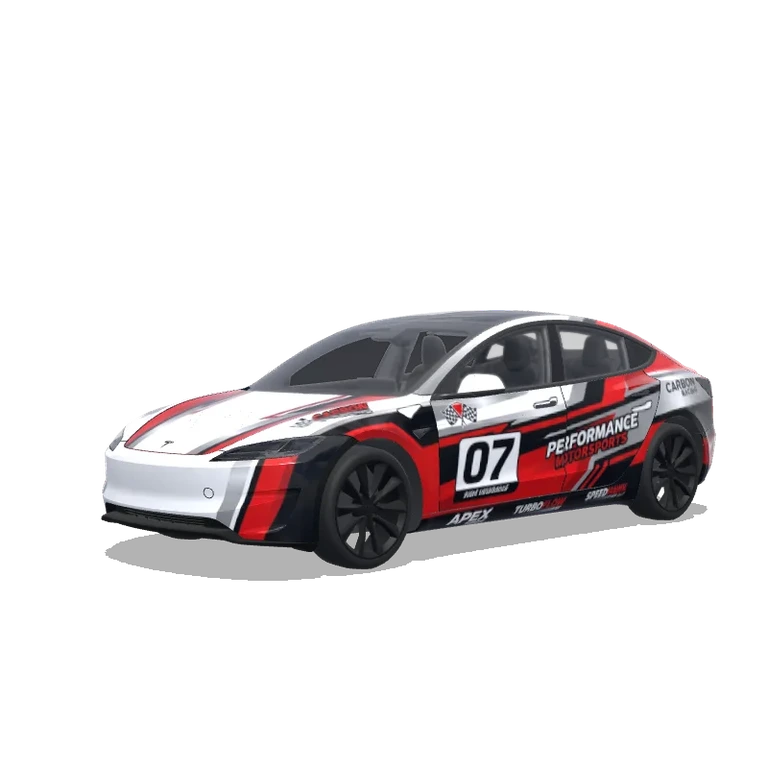
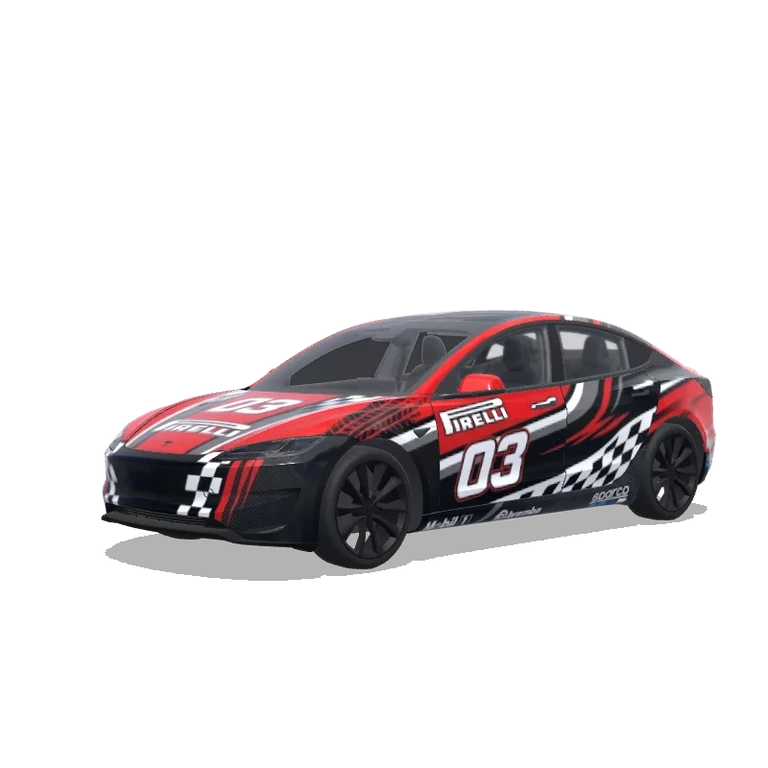
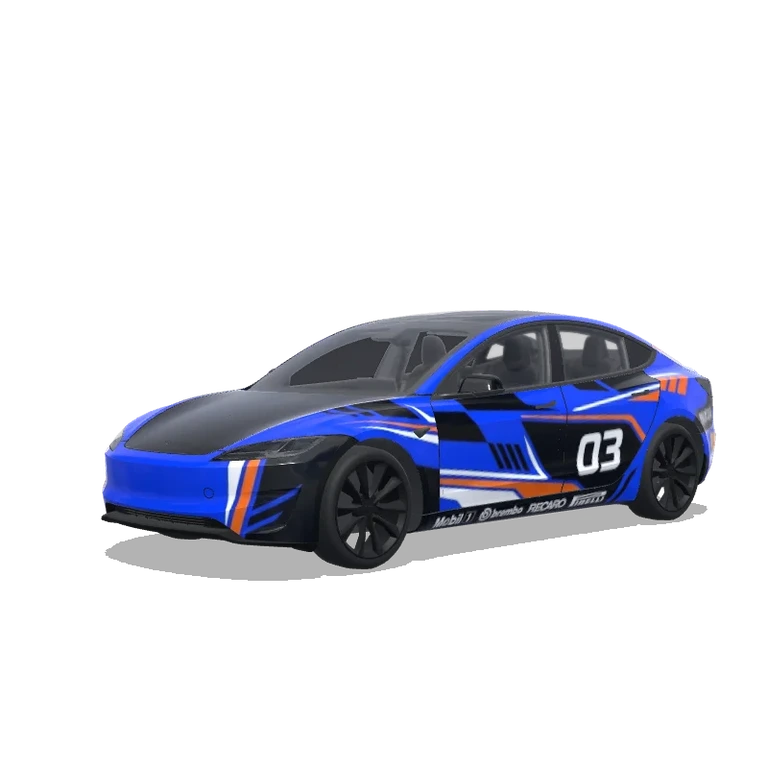
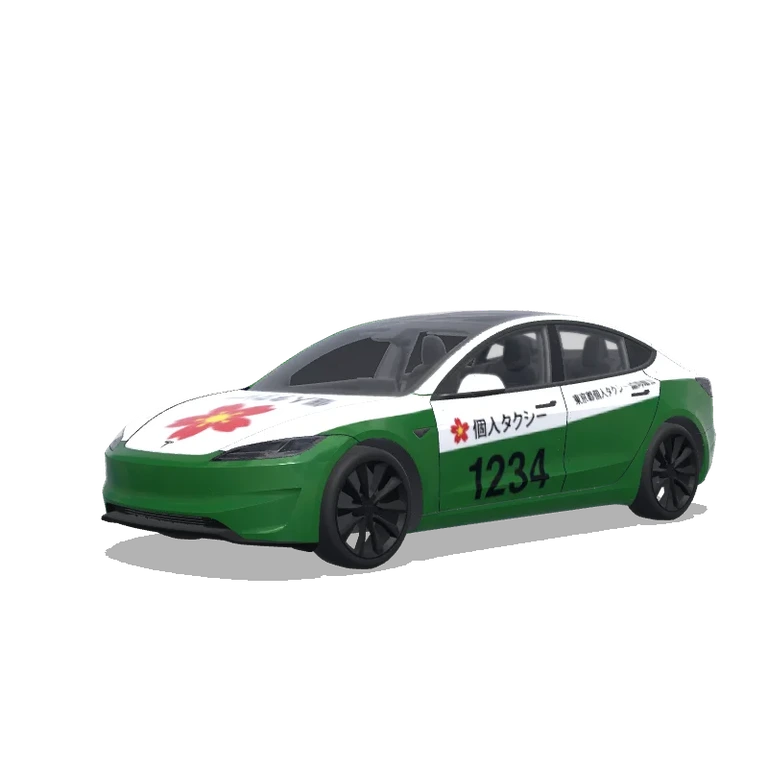
 AI
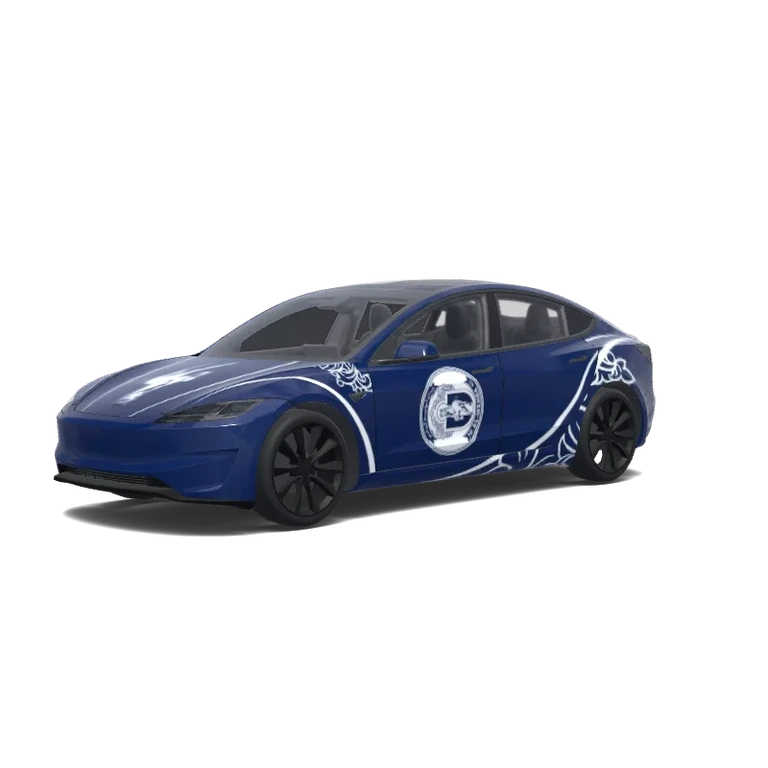
Model 3 (2024+) Performance · Design personnalisé · MKQ7luc9
Prompt de recréation IA
Créez un habillage numérique pour Tesla Model 3 (2024+) Performance avec son gabarit UV exact de 1024 × 1024. Thème : Model 3 (2024+) Performance · Design personnalisé · MKQ7luc9. Direction visuelle : Conservez les motifs visibles, la texture et la disposition de l’image de référence. Couleurs de référence : bleu marine, bleu, argent. Placez les principaux motifs sur les portes, le capot et les côtés, à l’échelle du véhicule. Alignez les motifs continus aux limites UV. Préservez les zones transparentes hors des panneaux. N’ajoutez ni roues, ni vitres, ni décor, ni voiture rendue. Produisez une texture PNG à plat, pas une vue en perspective.
Consigne originale : REFINE THE EXISTING AL-WEHDA TESLA MODEL 3 PERFORMANCE WRAP.
Use the CURRENT SUCCESSFUL UV WRAP as the exact base.
ABSOLUTELY DO NOT CHANGE THE UV TEMPLATE, PANEL POSITIONS, PANEL SHAPES, ORIENTATION, SCALE, CANVAS SIZE OR MAPPING.
The current wrap already maps correctly onto the Tesla Model 3 Performance 2024.
This is a DESIGN REFINEMENT ONLY.
The goal is to transform the existing design into a sophisticated:
AL-WEHDA × TESLA MODEL 3 PERFORMANCE — SPECIAL EDITION
Premium, elegant, athletic and visually clean.
⸻
1. MAIN BODY COLOR
Keep the entire vehicle predominantly in the original deep Al-Wehda navy blue.
Use navy as approximately 75–80% of the visible design.
Use white only f…
Prompt original du créateur
REFINE THE EXISTING AL-WEHDA TESLA MODEL 3 PERFORMANCE WRAP. Use the CURRENT SUCCESSFUL UV WRAP as the exact base. ABSOLUTELY DO NOT CHANGE THE UV TEMPLATE, PANEL POSITIONS, PANEL SHAPES, ORIENTATION, SCALE, CANVAS SIZE OR MAPPING. The current wrap already maps correctly onto the Tesla Model 3 Performance 2024. This is a DESIGN REFINEMENT ONLY. The goal is to transform the existing design into a sophisticated: AL-WEHDA × TESLA MODEL 3 PERFORMANCE — SPECIAL EDITION Premium, elegant, athletic and visually clean. ⸻ 1. MAIN BODY COLOR Keep the entire vehicle predominantly in the original deep Al-Wehda navy blue. Use navy as approximately 75–80% of the visible design. Use white only for important branding, fine lines and selected ornamental accents. The vehicle should look luxurious from a distance and reveal the Al-Wehda details when viewed closer. ⸻ 2. HOOD / FRUNK — IMPORTANT CHANGE REMOVE the large rectangular white stripe currently running through the hood. Keep the hood predominantly deep navy blue. Place ONLY the original Al-Wehda horse emblem prominently in the center of the hood. Render the horse mainly in clean white with subtle navy internal detailing derived from the original logo. The horse should appear integrated into the bodywork rather than printed inside a white rectangle. Add two very thin, elegant white contour lines running longitudinally near the horse if needed. The horse must remain the dominant hood feature. NO full circular crest on the hood. NO large white rectangle. NO additional text. ⸻ 3. SIDE DOOR CRESTS Keep ONE complete official circular Al-Wehda S.C. crest on each side of the vehicle. REDUCE the current crest size by approximately 20–25%. Reposition each crest visually so the important central horse and club identity remain readable when the texture wraps around the doors. Avoid placing important logo details directly across major door seams. Give the crest more surrounding navy negative space. Both sides must remain symmetrical. DO NOT redesign the official crest. ⸻ 4. FRONT FENDERS Significantly simplify the current white ornamentation. Reduce ornamental density by approximately 30–40%. Use only 2–3 elegant sweeping white lines following the natural shape of the front wheel arch. Use very subtle fragments of the original Al-Wehda ornamental artwork. The front quarter should feel sporty and aerodynamic rather than heavily decorated. ⸻ 5. REAR DOORS & REAR QUARTER PANELS Gradually increase the ornamental artwork toward the rear of the vehicle. Allow the traditional Al-Wehda decorative motifs to become more expressive behind the side crest and toward the rear wheel arch. Create a visual flow: CLEAN FRONT → CLUB CREST AT CENTER → RICHER HERITAGE DETAIL TOWARD REAR Keep enough navy negative space so the design remains premium. ⸻ 6. ORNAMENTAL STYLE Use ONLY ornamental elements already present in the supplied official Al-Wehda crest. Do not invent unrelated flowers or patterns. Convert these elements into elegant thin-line graphics. The ornamentation should feel like subtle engraved heritage artwork integrated into a modern performance vehicle. Use varying line weight sparingly. Avoid visual clutter. ⸻ 7. FRONT BUMPER Keep: AL-WEHDA on the correct front bumper UV panel. Use clean bold white lettering over the deep navy background. Maintain excellent readability. Do not add additional text around it. ⸻ 8. REAR DESIGN Keep the rear predominantly navy. Use restrained white double-line accents and selected ornamental elements around the rear quarter areas. Do not place another complete circular crest on the rear. Do not overcrowd the rear bumper. Maintain a clean performance-car appearance. ⸻ 9. ROOF / GLASS RELATIONSHIP The Tesla glass roof remains untouched. Design the navy bodywork around the glass so the black panoramic roof visually integrates with the dark navy body. Do not place artwork over glass areas. ⸻ 10. COLOR RESTRICTION Use ONLY: AL-WEHDA DEEP NAVY BLUE PURE WHITE The Tesla glass, wheels, lights and existing vehicle components remain untouched. NO gradients. NO metallic textures. NO chrome graphics. NO flames. NO camouflage. NO sponsor logos. NO extra colors. NO random racing stripes. ⸻ 11. DESIGN HIERARCHY From a distance, the vehicle should first appear as a sophisticated deep navy performance Tesla. At medium distance, the white horse on the hood and side crests should become clearly visible. At close distance, the fine Al-Wehda ornamental heritage details should become noticeable. The design must NOT look like an advertising vehicle. It should look like a professionally commissioned limited-edition factory livery. ⸻ 12. CRITICAL UV RULE — DO NOT VIOLATE The supplied current wrap has already been successfully tested on the Tesla Model 3 Performance visualization. Therefore: DO NOT REGENERATE THE UV TEMPLATE. DO NOT MOVE ANY PANEL. DO NOT CHANGE PANEL GEOMETRY. DO NOT ROTATE PANELS. DO NOT CROP THE CANVAS. DO NOT CREATE A 3D CAR. DO NOT CREATE A MOCKUP. Modify artwork ONLY INSIDE the exact existing mapped panel boundaries. Preserve the current successful UV orientation. Final output: Exact same flat 2D Tesla Model 3 Performance UV wrap texture, same dimensions and panel mapping, transparent/black unused space, maximum-resolution PNG. Overall visual target: Modern Tesla performance design + authentic Al-Wehda heritage + restrained luxury + strong navy-and-white identity.
Options de remix et contexte du prompt
Préparé à partir de l’image, du contexte et de la version du véhicule. Il sert à recréer le design et ne reconstitue pas le prompt original.
J'aime
Télécharger0
Mis à jour
Création publique de la galerie · Gratuit
Titre original du design
Model 3 (2024+) Performance · Custom design · MKQ7luc9
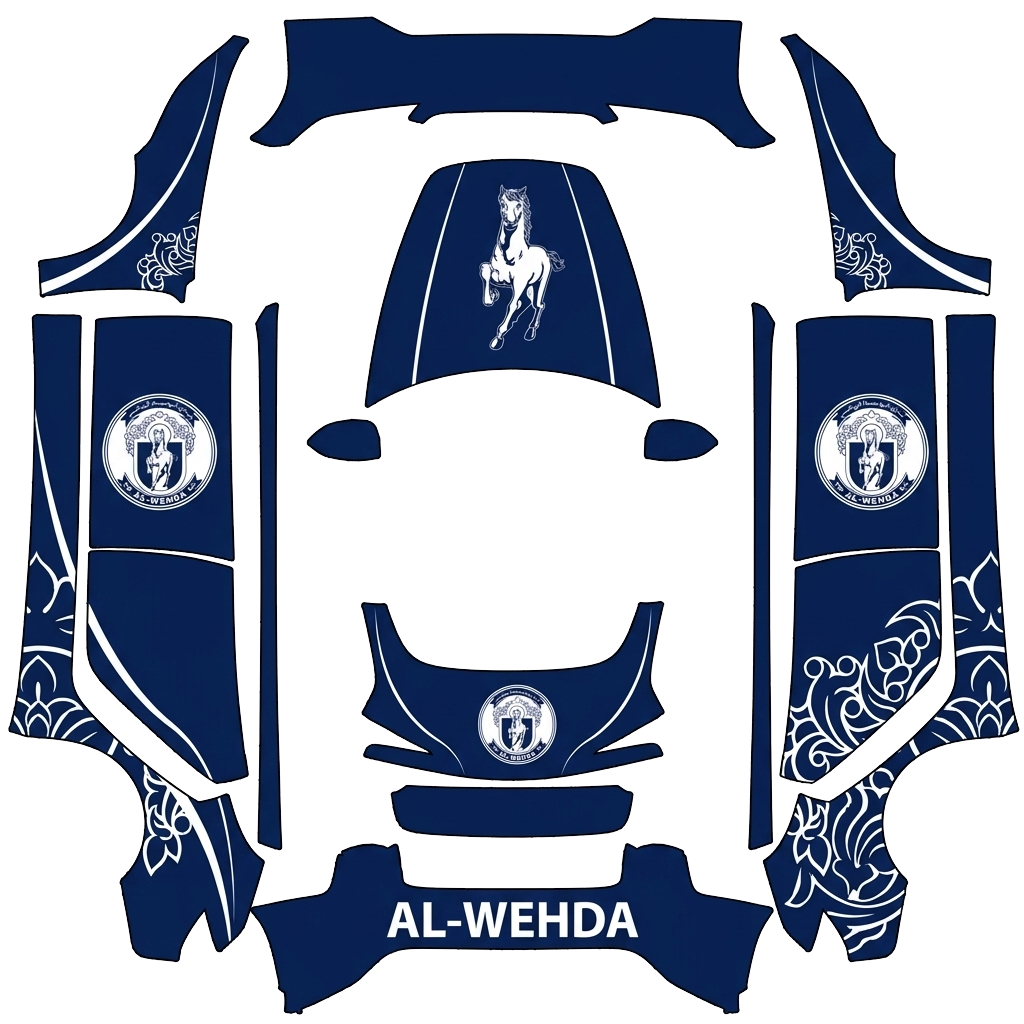
PNG d’habillage à télécharger
L’image du véhicule montre le résultat sur la voiture. Ce PNG à plat est le fichier à télécharger, à vérifier et à importer dans Paint Shop ou dans l’éditeur.
PNG1024 × 1024 px743,2 KBModel 3 (2024+) Performance
Fichier vérifié · voir les détails
- Format du fichierFichier PNG réel
- PNGOK
- Dimensions de l’image512–1024 px par côté
- 1024 × 1024 pxOK
- Taille du fichier1 Mo maximum
- 743,2 KBOK
- Nom du fichier téléchargé30 caractères maximum · lettres ASCII, chiffres, espaces, _ ou -
- 42fd35efa9abcc4f893e.pngOK
- Dimensions du modèle du véhiculeDoit correspondre à 1024 × 1024 px
- 1024 × 1024 pxOK
Ces contrôles portent sur le format, la taille et les dimensions du modèle. L’alignement des panneaux et la compatibilité avec votre véhicule restent à vérifier. Ce PNG sert à l’affichage à l’écran, pas à fabriquer un covering physique.
À propos de cette création
« Model 3 (2024+) Performance · Design personnalisé · MKQ7luc9 » est un design numérique pour Model 3 (2024+) Performance. Le canevas PNG mesure 1024 × 1024 pixels. Comparez la couverture et l’aperçu 3D. Vérifiez la version du véhicule, le modèle et les exigences du fichier avant l’importation dans votre Tesla. Ce fichier ne sert pas à imprimer un film adhésif.
Ouvrez un design de la galerie dans l’éditeur pour modifier ses couleurs ou ajouter des graphismes. Vous pouvez aussi créer des coverings Tesla avec l’IA et les prévisualiser en 3D.
Guide de transfert
Téléchargez un PNG adapté au gabarit exact de votre Model 3 (2024+) Performance. Importez-le dans l’application Tesla via Creations → Wrap → Upload, ou copiez-le dans le dossier USB Wraps. Sélectionnez-le dans Boîte à jeux → Paint Shop → Wraps pour modifier le véhicule affiché à l’écran.
- Télécharger le PNGChoisissez le PNG correspondant au modèle, à l’année et à la version exacts. Chaque côté doit mesurer 512–1024 pixels et le fichier ne pas dépasser 1 Mo.
- Importer dans l’application TeslaDans l’application Tesla 4.59.0 ou ultérieure, ouvrez Creations → Wrap → Upload et sélectionnez le PNG.
- Ou utiliser une clé USBCopiez le PNG dans un dossier Wraps à la racine d’une clé USB FAT32 ou exFAT, puis branchez-la au véhicule.
- Appliquer dans le véhiculeOuvrez Toybox → Paint Shop → Wraps. Sélectionnez la création et vérifiez les positions des panneaux et les raccords.
Questions fréquentes
Comment installer un covering sur ma Model 3 (2024+) Performance ?
Téléchargez un PNG adapté au gabarit exact de votre Model 3 (2024+) Performance. Importez-le dans l’application Tesla via Creations → Wrap → Upload, ou copiez-le dans le dossier USB Wraps. Sélectionnez-le dans Boîte à jeux → Paint Shop → Wraps pour modifier le véhicule affiché à l’écran.
Les coverings pour Model 3 (2024+) Performance sont-ils gratuits ?
De nombreux designs pour Model 3 (2024+) Performance sont gratuits. Les designs payants sont indiqués et nécessitent des crédits pour télécharger le PNG sans filigrane.
Quel format utilisent les coverings pour Model 3 (2024+) Performance ?
Utilisez un PNG aux dimensions d’origine du gabarit officiel de votre Model 3 (2024+) Performance, entre 512 et 1024 pixels et de 1 Mo maximum. Choisissez la variante exacte du véhicule pour aligner le motif sur les panneaux.
Puis-je créer mon propre covering pour Model 3 (2024+) Performance ?
Oui. Sélectionnez le gabarit Model 3 (2024+) Performance dans l’éditeur, ajoutez des images, du texte ou des couleurs, puis vérifiez le résultat en 3D avant d’exporter le PNG. La génération par IA est également disponible et utilise des crédits.