 AI
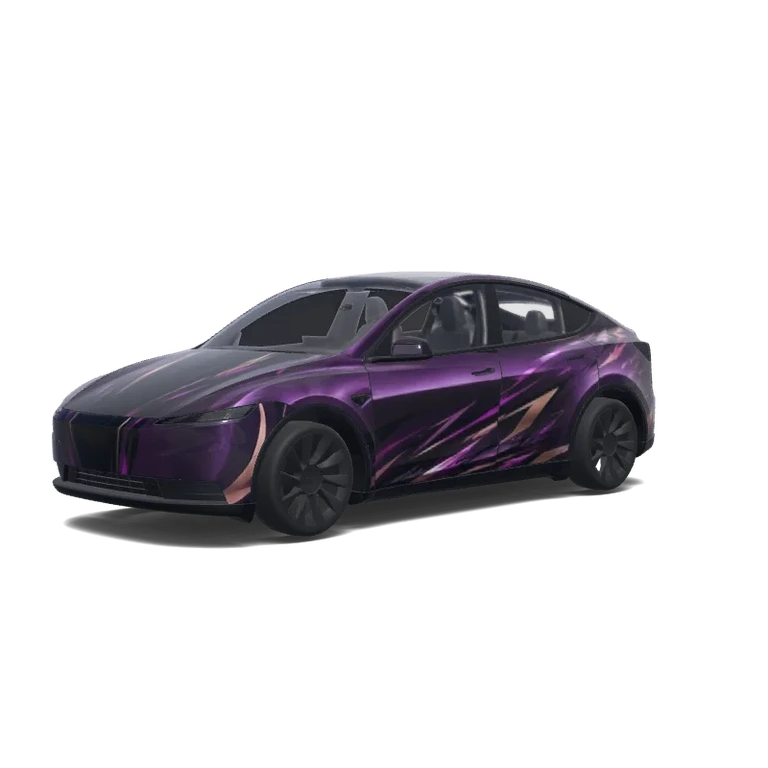
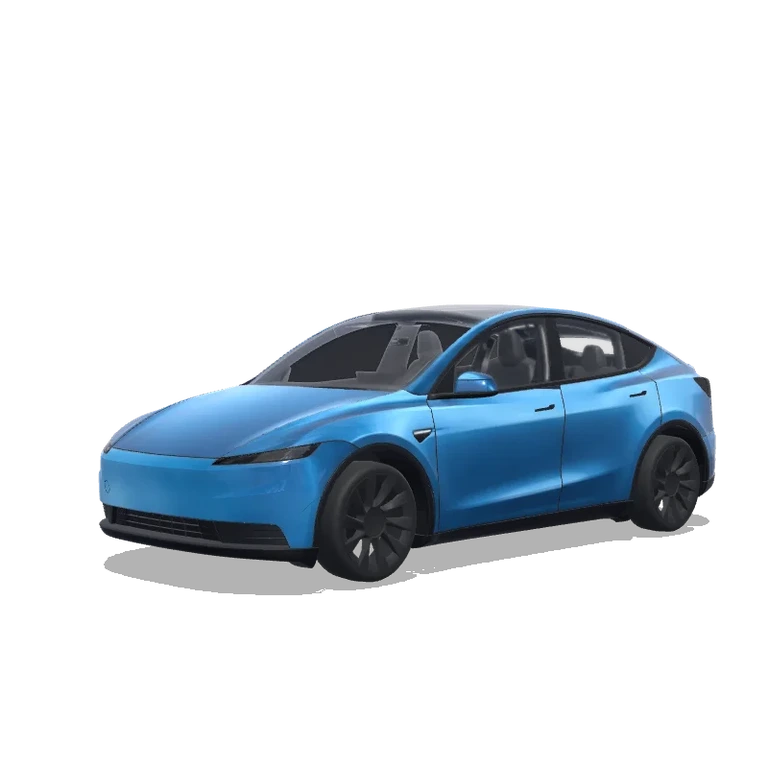
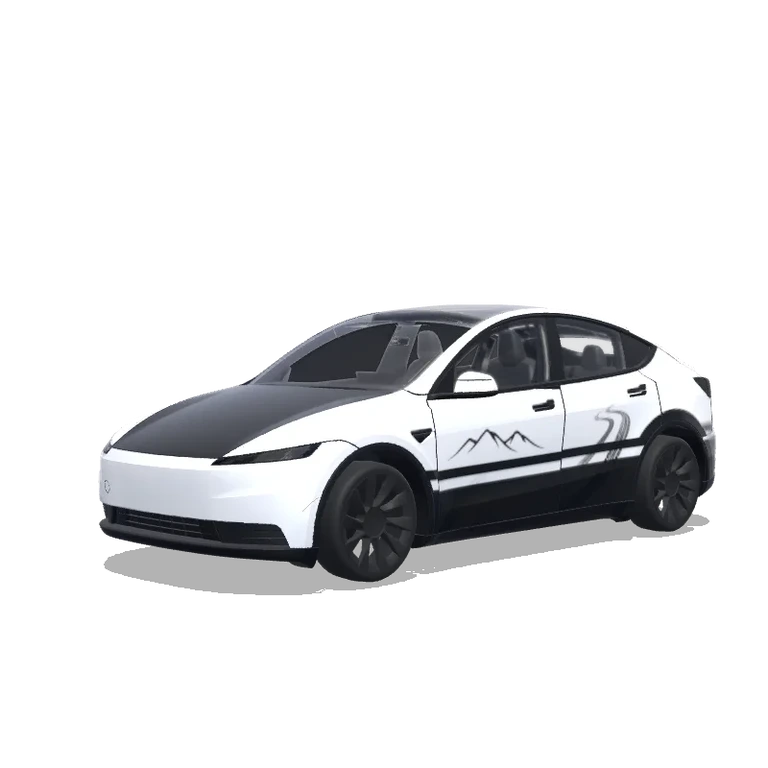
Model Y (2025+) Base · Custom design · HfovU98p
Remix prompt
Create a digital wrap for Tesla Model Y (2025+) Standard using its exact 1024 × 1024 UV template. Theme: Model Y (2025+) Base · Custom design · HfovU98p. Visual direction: the reference artwork’s visible shapes, texture and graphic balance. Reference palette: magenta, black, brown. Place key motifs on doors, hood and side panels; adjust their scale to this vehicle’s proportions. Keep connected graphics aligned across UV panel boundaries. Preserve transparent areas outside the supplied panel mask; do not add wheels, windows, scenery or a rendered car. Output a flat PNG texture, not a perspective preview.
Extract only the flat wrap graphics and colors from the reference image. Ignore all body panel shapes, wheel arches, door cuts, handles, cameras, mirrors, lights, trims, and plastic parts. Do not paint or follow any body contours or panel lines. Apply the decals as clean independent vinyl graphics only on the main painted surfaces. Keep all original Tesla body details untouched and unpainted. Do not use wheel arch shapes or door lines as part of the design.
Like
Download0
Updated
Bring your favorite design to your Tesla
Download this design and use it in Tesla Paint Shop.
File checks passedView file checks
- File formatActual PNG file
- PNGPass
- Image dimensions512–1024 px per side
- 1024 × 1024 pxPass
- File sizeAt most 1 MB
- 756.9 KBPass
- Download filenameAt most 30 characters · ASCII letters, digits, spaces, _ or -
- cd5b296ef8f91bb25f4e.pngPass
- Vehicle template dimensionsMust match 1024 × 1024 px
- 1024 × 1024 pxPass
These checks cover file format, size and template dimensions. Panel alignment and support on your vehicle still need checking. This PNG is for screen visualization, not physical wrap production.
Tesla wrap PNG checker →- Download the PNG
- Upload in the Tesla app
- Apply on your vehicle
About this design
Extract only the flat wrap graphics and colors from the reference image. Ignore all body panel shapes, wheel arches, door cuts, handles, cameras, mirrors, lights, trims, and plastic parts. Do not paint or follow any body contours or panel lines. Apply the decals as clean independent vinyl graphics only on the main painted surfaces. Keep all original Tesla body details untouched and unpainted. Do not use wheel arch shapes or door lines as part of the design.
Open a gallery design in the editor to adjust colors, add graphics, or create a variant. You can also generate Tesla wrap ideas with AI and preview them in 3D.
Frequently asked questions
How do I install a wrap on my Model Y (2025+) Standard?
Download a PNG made for your exact Model Y (2025+) Standard template. Upload it in the Tesla app under Creations → Wrap → Upload, or copy it to a USB folder named Wraps. Select it in Toybox → Paint Shop → Wraps to change the on-screen vehicle visualization.
Are Model Y (2025+) Standard wraps free to download?
Many Model Y (2025+) Standard designs are free to download. Premium designs are marked and require credits to download the clean PNG.
What file format do Model Y (2025+) Standard wraps use?
Use a PNG at the native size of the official Model Y (2025+) Standard template, within Tesla’s supported 512–1024 pixel dimensions and no larger than 1 MB. Choose the exact vehicle variant so the artwork aligns with the panels.
Can I create my own Model Y (2025+) Standard wrap?
Yes. Select the Model Y (2025+) Standard template in the editor, add images, text or colors, and check the result in 3D before exporting a PNG. AI generation is also available and uses credits.