
Tesla wrap PNG checker
Paint Shop silently ignores files that break its rules, and a wrap made on the wrong template lands crooked on the car. Pick your Tesla, drop in your wrap, fix the file and check the seams on a 3D model before you upload it.
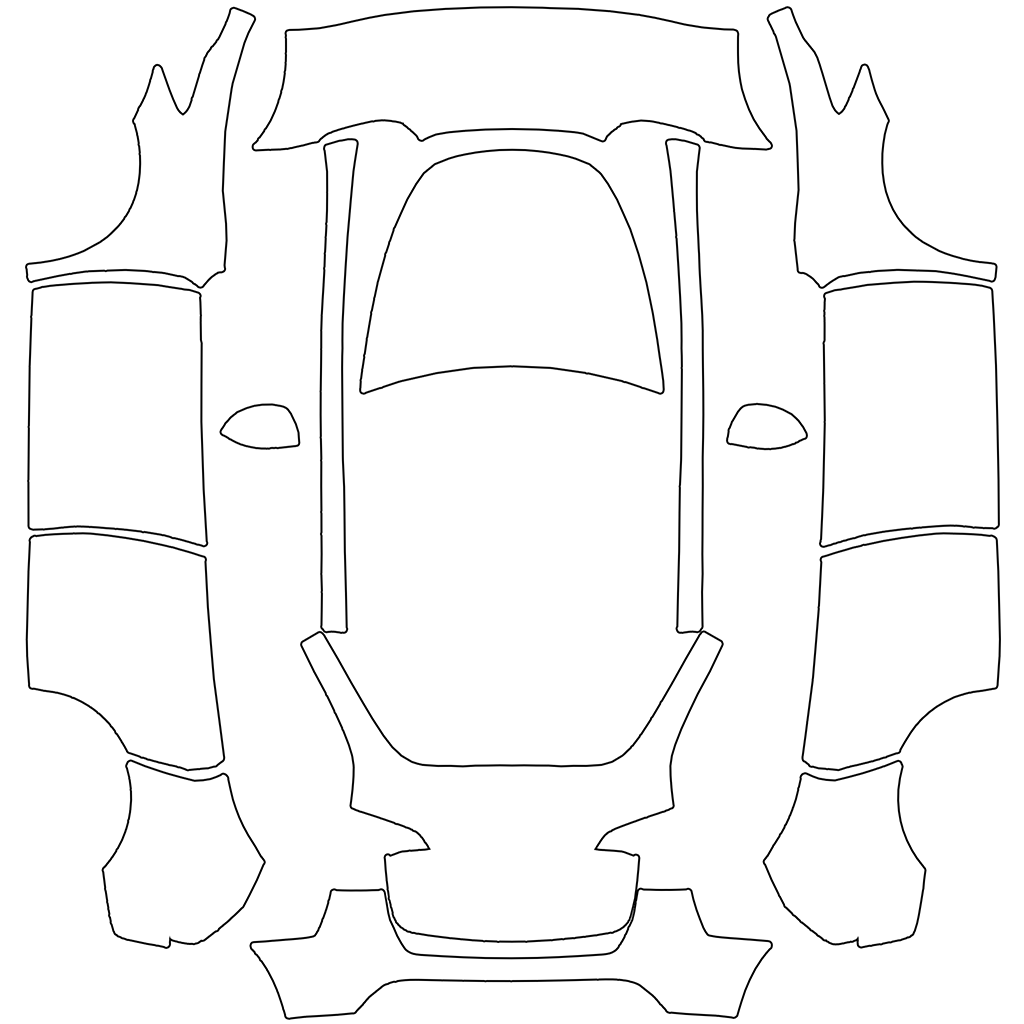
Correct dimensions do not confirm UV alignment. Check panels with the template overlay. Resizing may change the design.
Frequently Asked Questions
A few things to know about templates, using your wrap and keeping your files safe.
Still have questions? Get in touchWhat is a UV template?
A UV template unfolds body panels into a flat image. Select the exact model and variant, then check pattern placement and seams in the 3D preview. A preview does not replace a check on your vehicle.
Is this an official Tesla tool?
No, this is an independent third-party tool created to help Tesla owners easily design custom wraps. We are not affiliated with Tesla, Inc.
Does this change my actual car's paint?
No, Tesla Paint Shop only changes the 3D visualization of your car on the touchscreen display. It doesn't affect your physical vehicle in any way.
Which Tesla wrap templates are available?
TeslaWrap Pro provides vehicle-specific UV templates for supported Tesla models and variants where template data is available. Choose the exact model and variant to match your design.
Is my data safe?
Manual editing takes place in your browser. Cloud projects, cloud asset uploads and submitted forms are stored on this server. Each account has 20 MB of shared cloud space by default. When AI is enabled, generation prompts and reference images are sent to the configured provider. See our privacy policy.