
Built on official Tesla templates, 100% ready to use
Custom AI Tesla Wrap Design | 3D Vehicle Graphics Preview
Professional custom Tesla wrap design powered by AI. Create personalized vehicle graphics in seconds, preview them in 3D, and get production-ready wrap design files for Model 3, Y, S, X and Cybertruck.
Choose Your Tesla ModelFree wraps · AI design · 3D preview
Explore the collection12Vehicle versions
4,550Designs to explore
PNGExport format
Drag to rotate · Click a panel to recolor
Drag to rotate; click a body panel to change its color. Focus the preview and press Enter or Space for whole-car color, or Escape to close. After adding a decal, click to place it; arrow keys move, + / - resize, R rotates and Delete removes it.
Community favourites4550 designs
Wrap designs created by Tesla owners and with AI tools
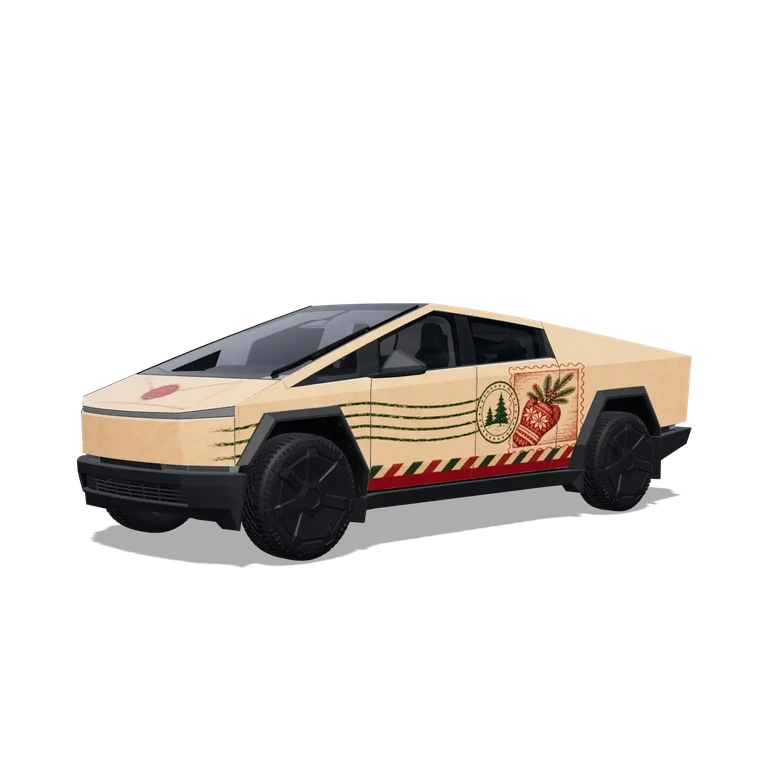
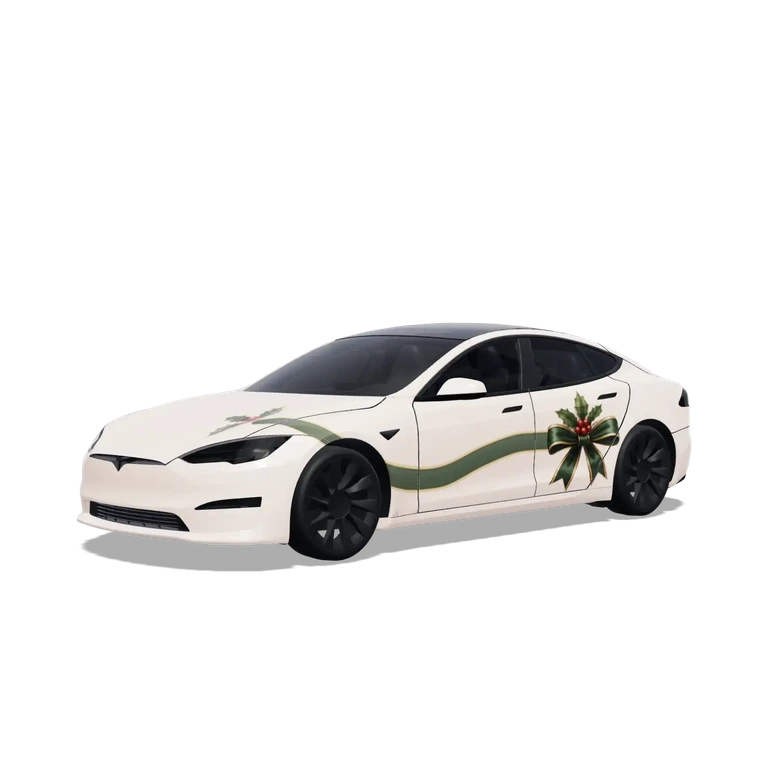
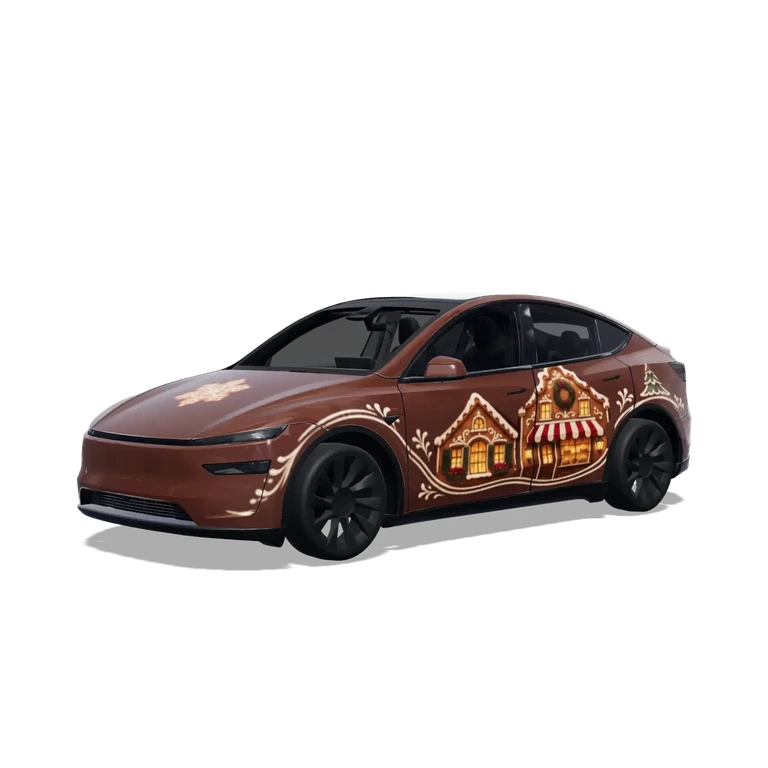
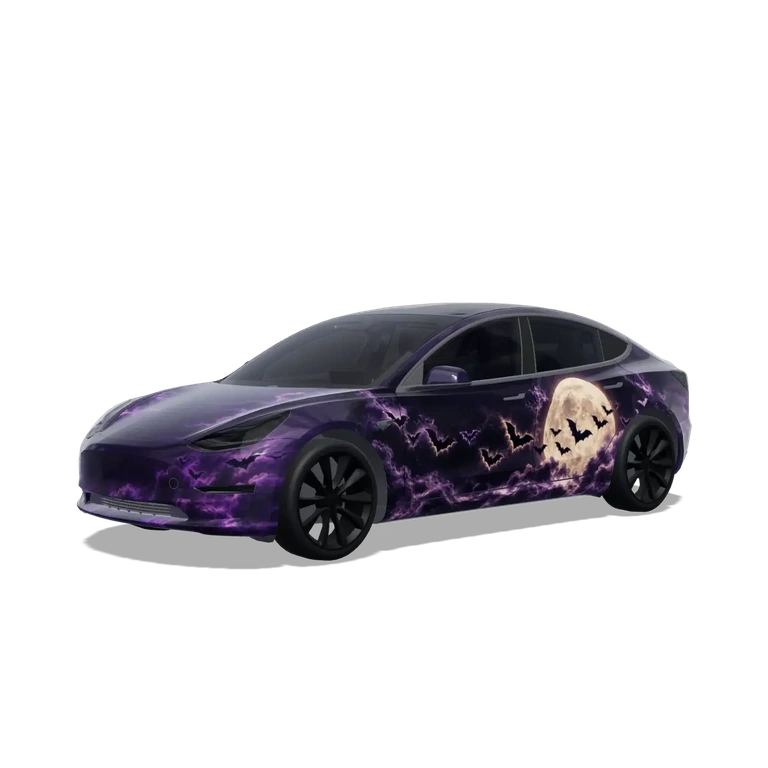
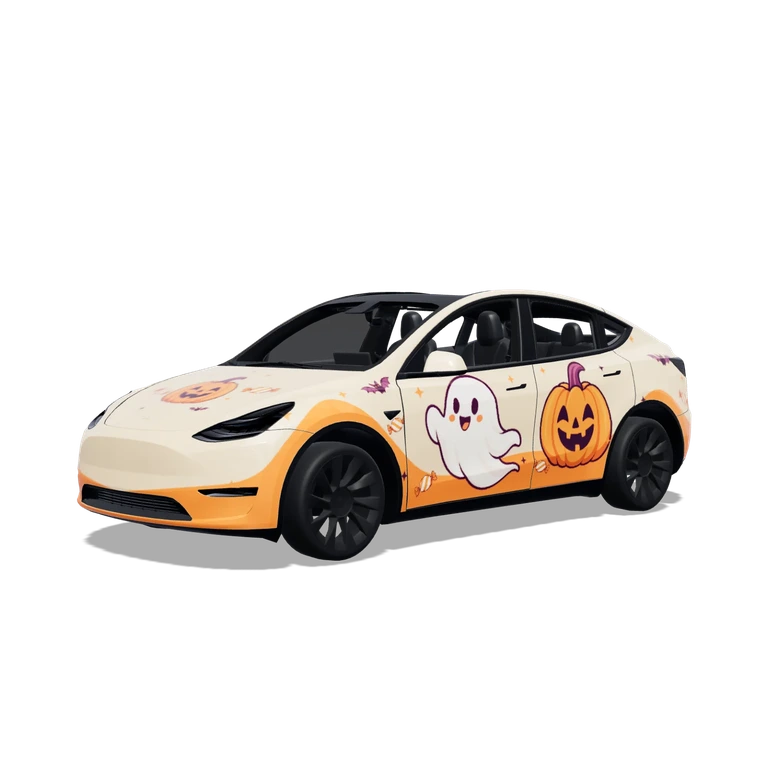
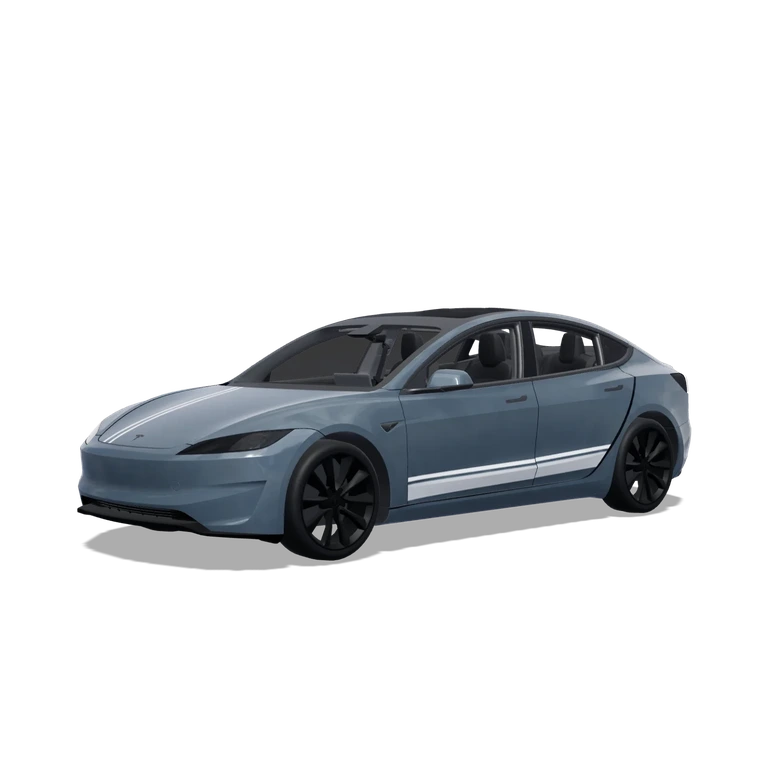
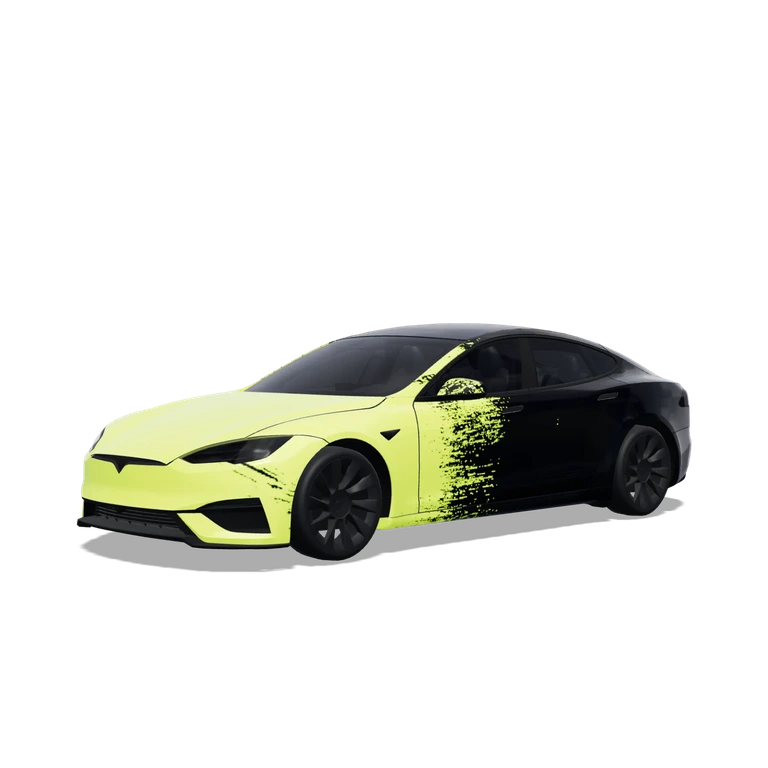
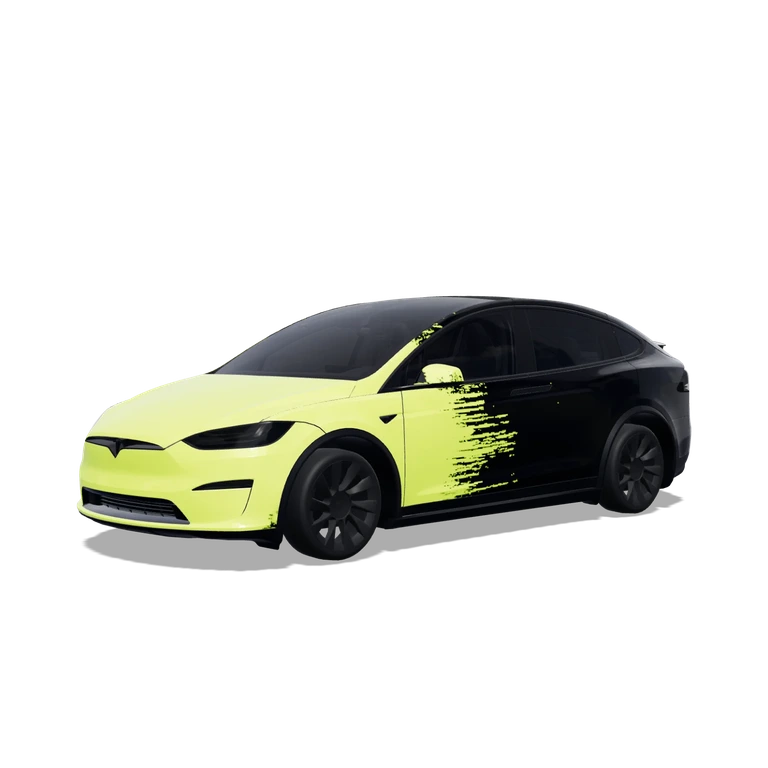
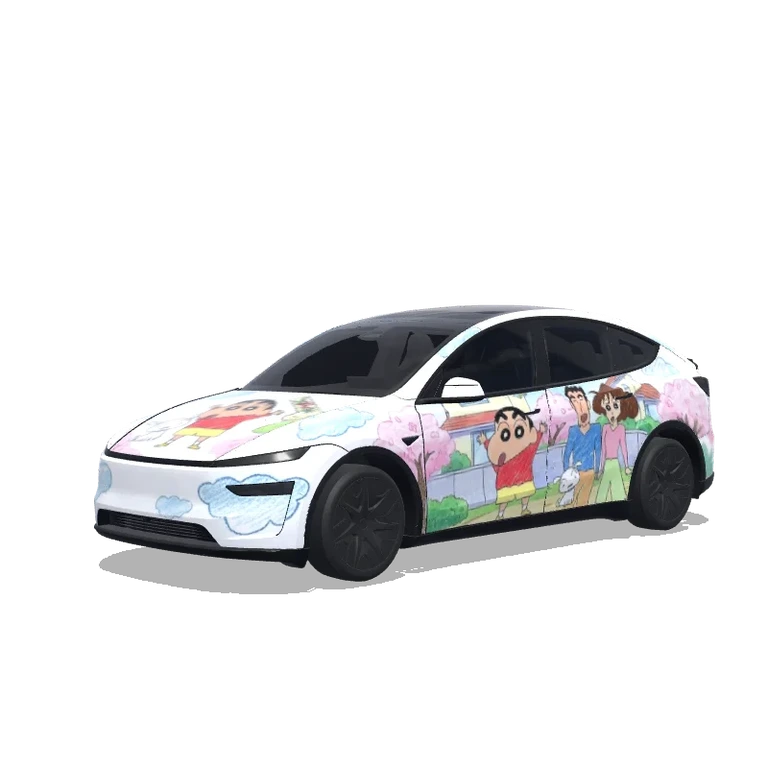
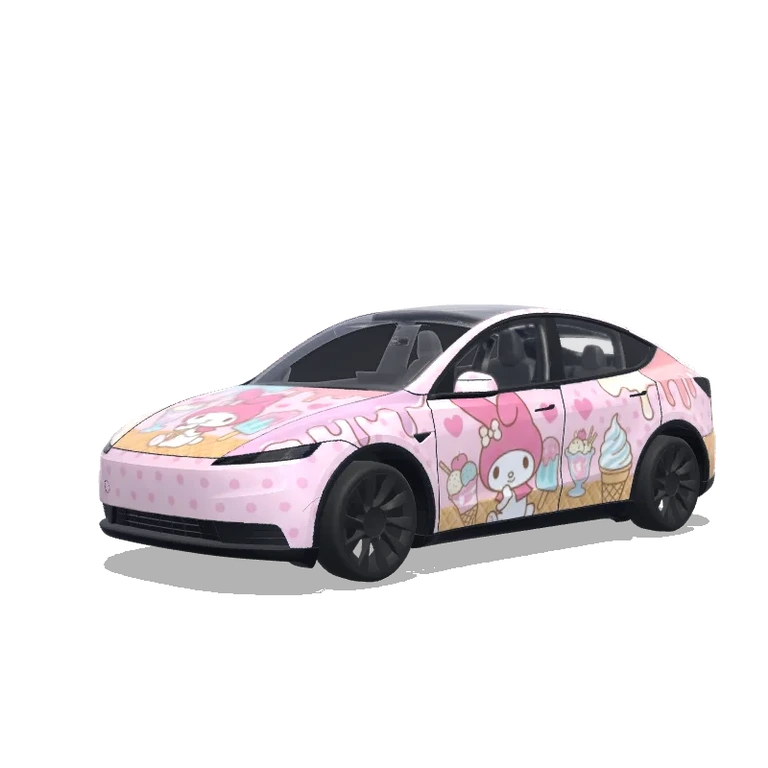
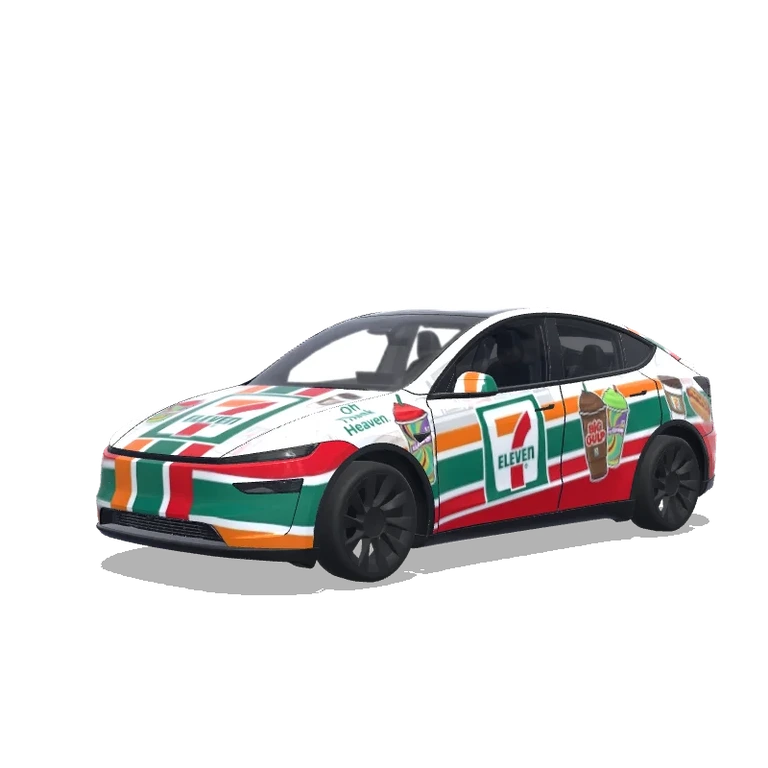
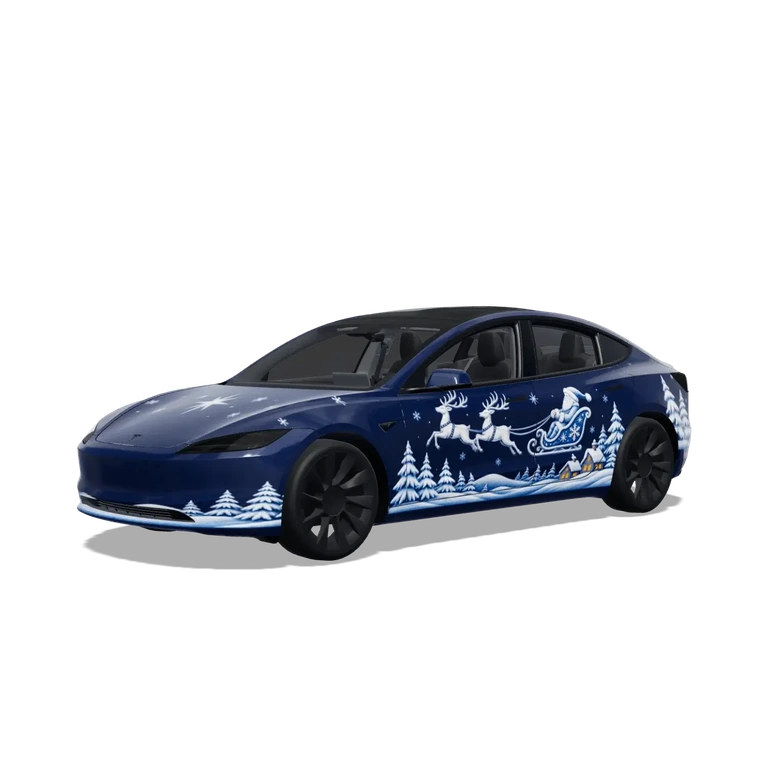
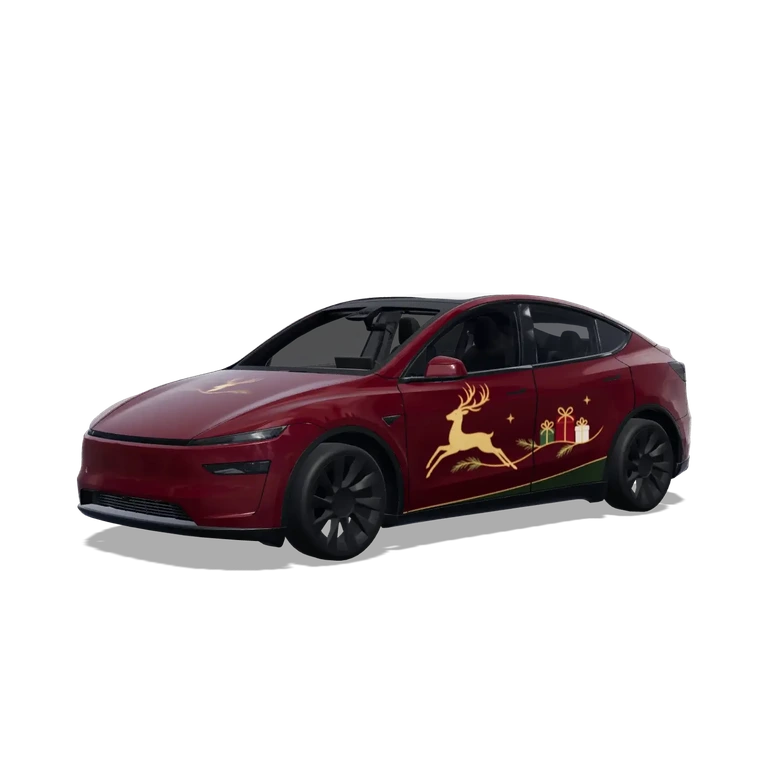
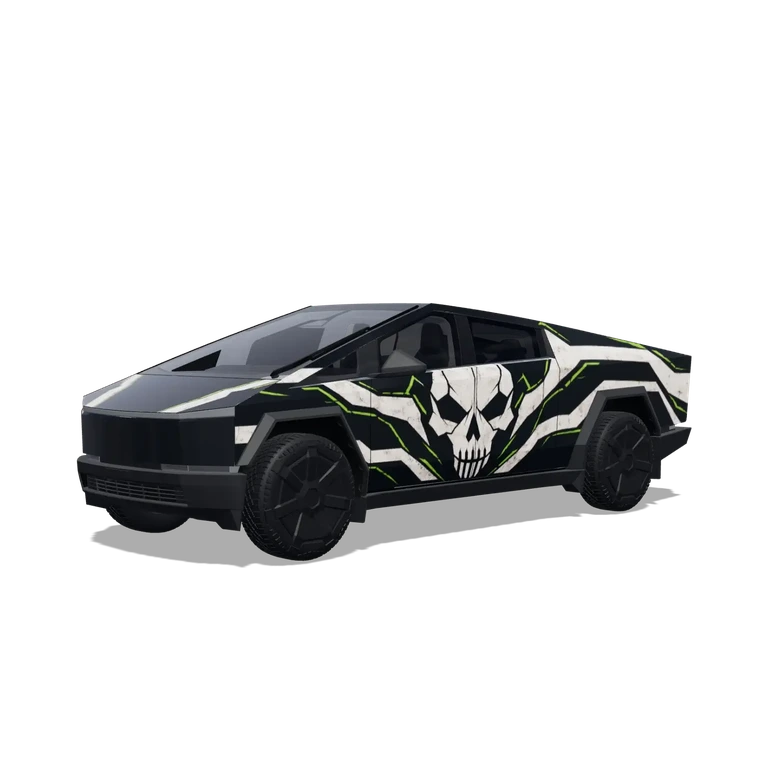
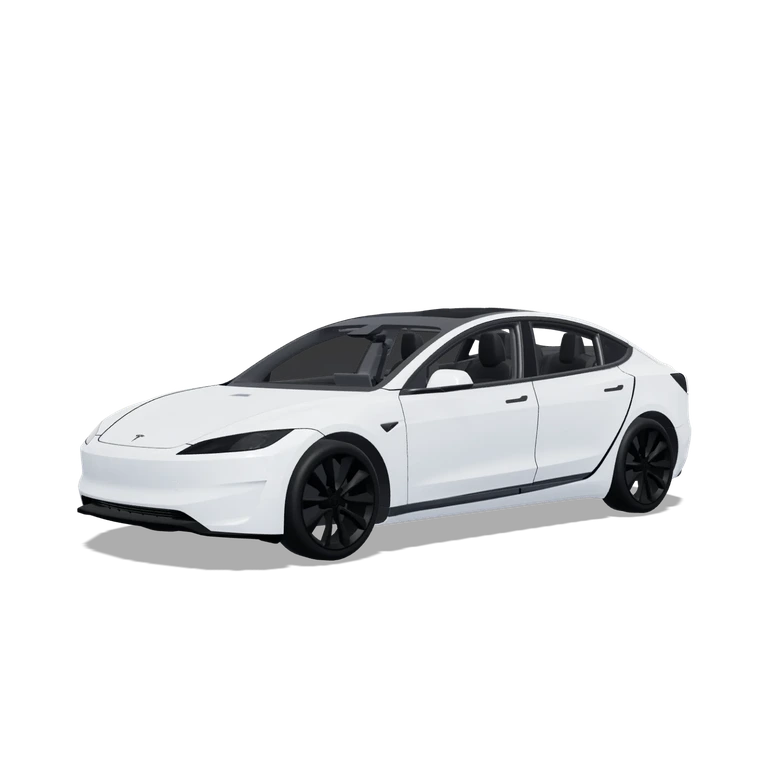
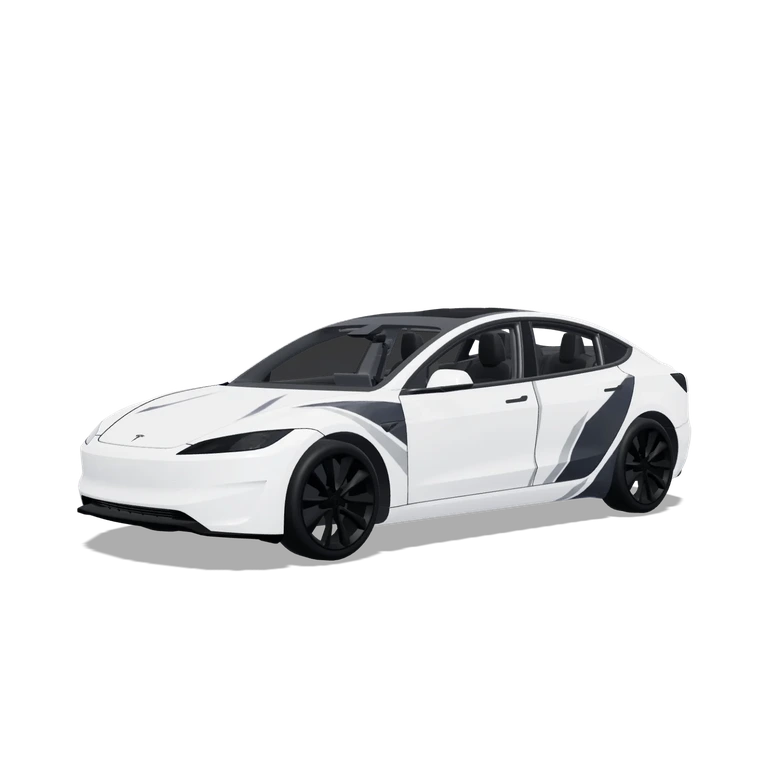
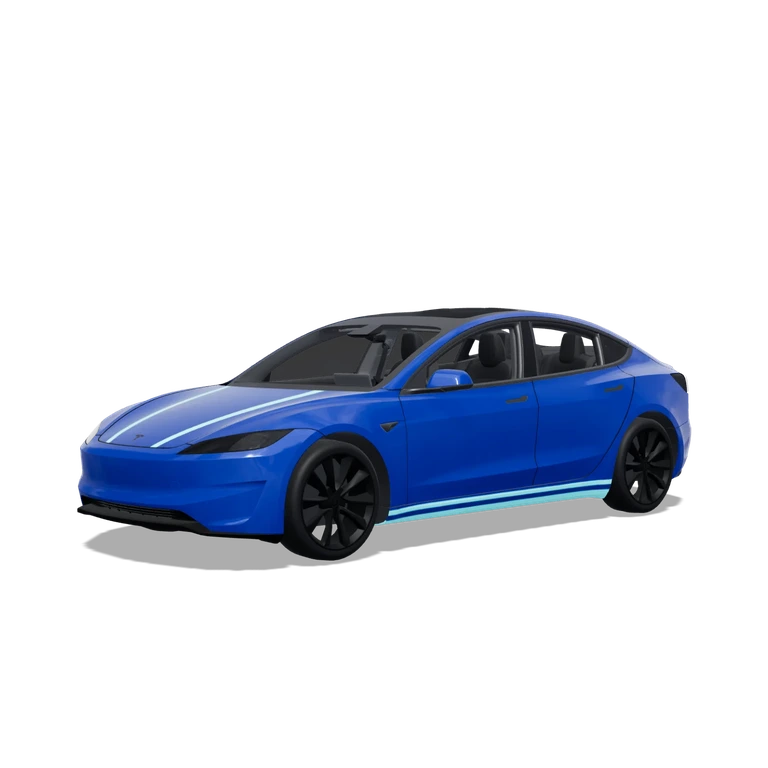
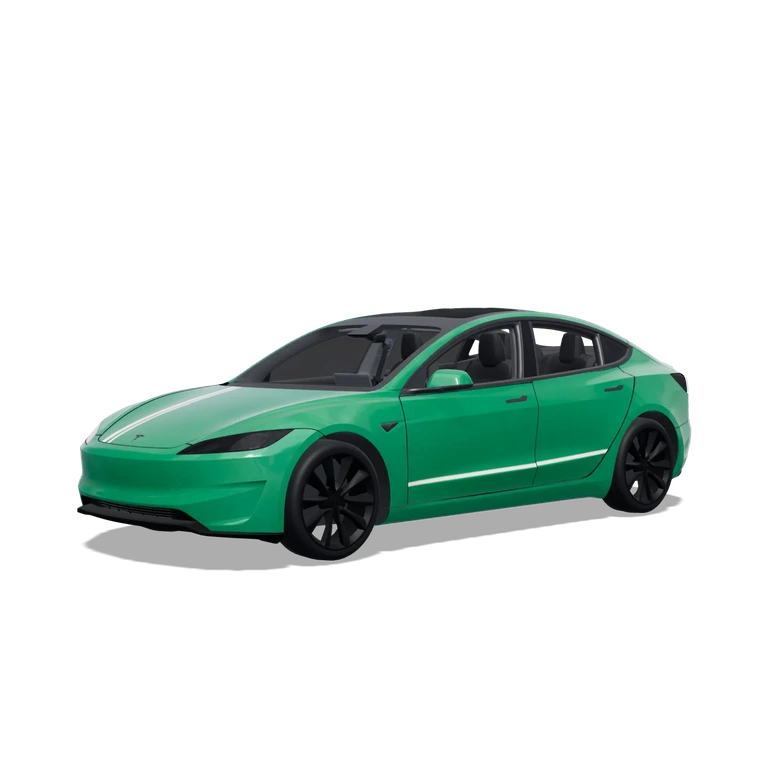
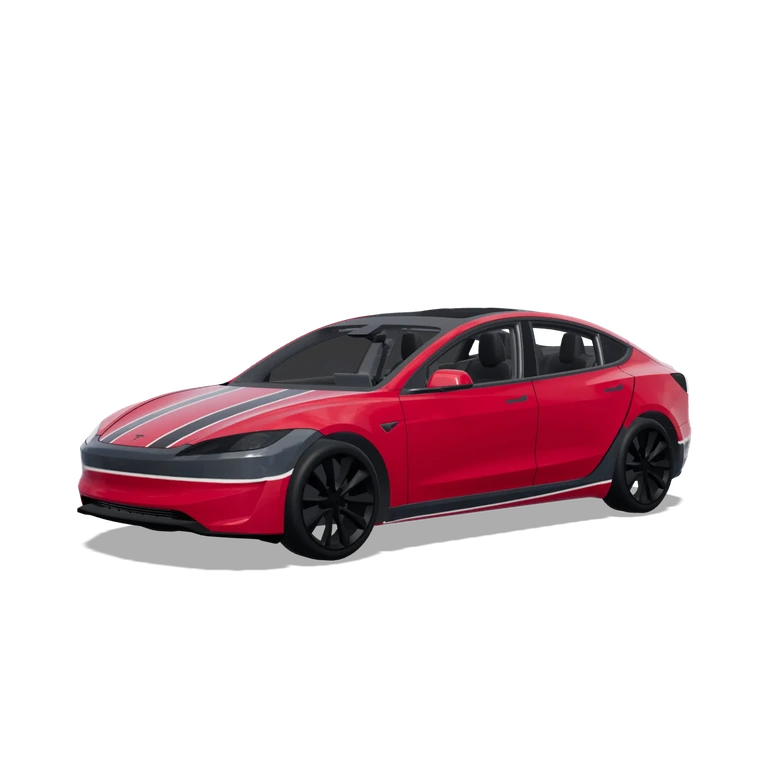
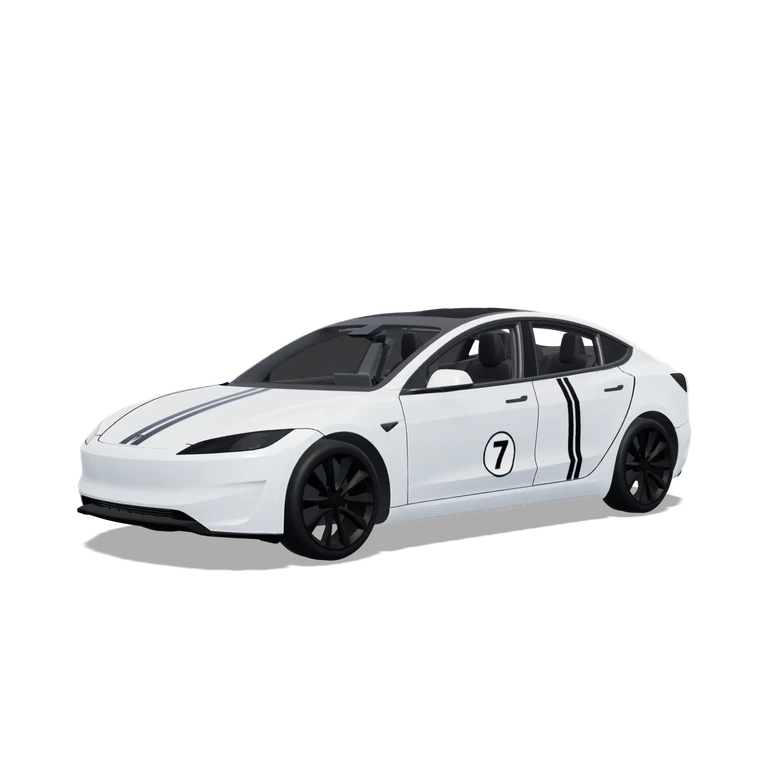
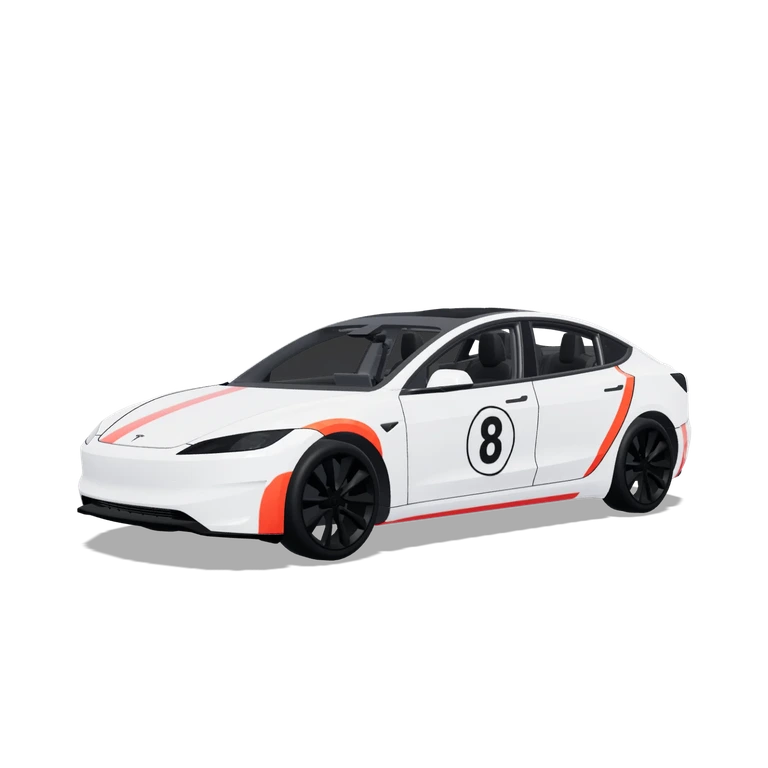
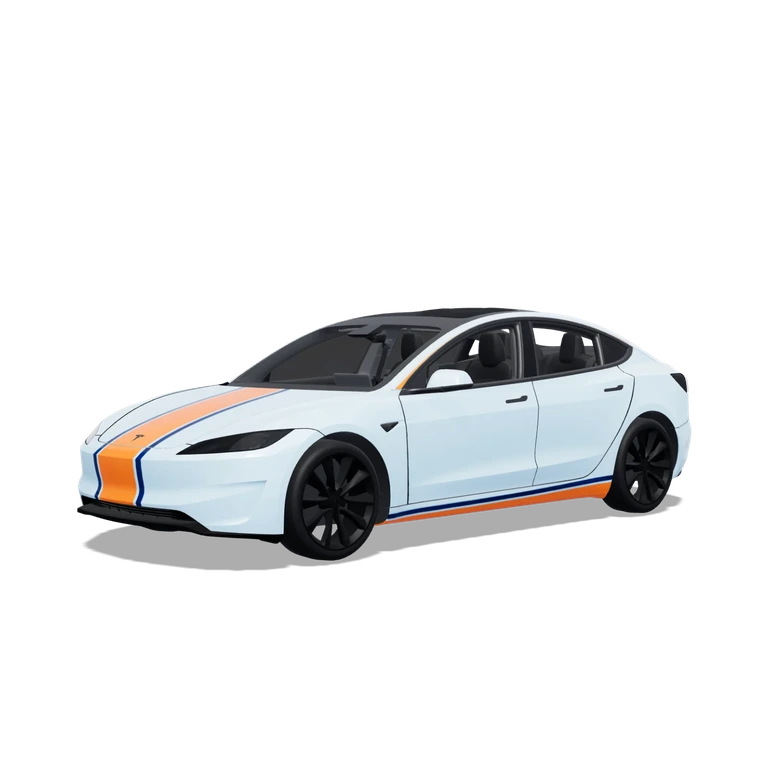
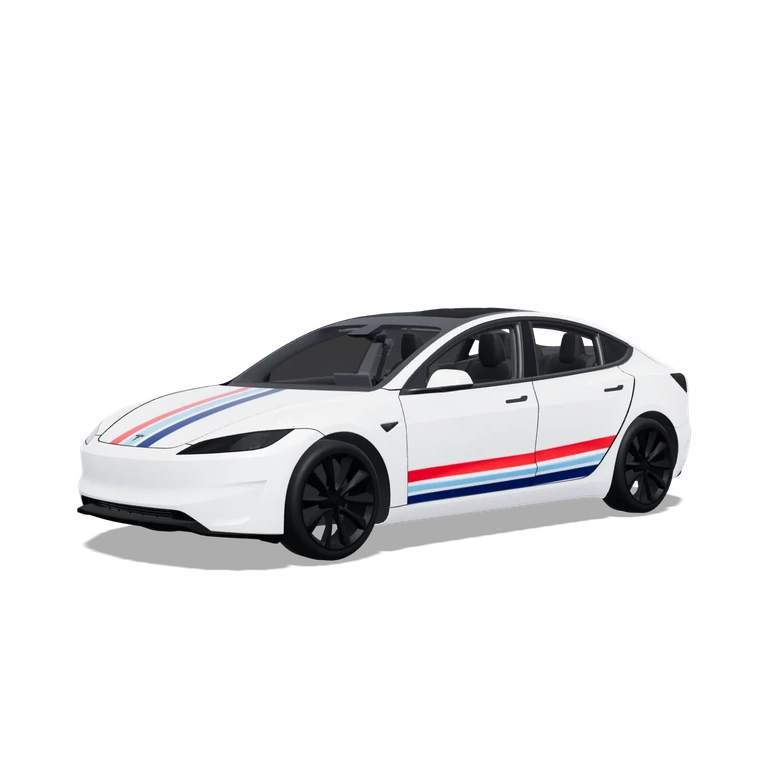
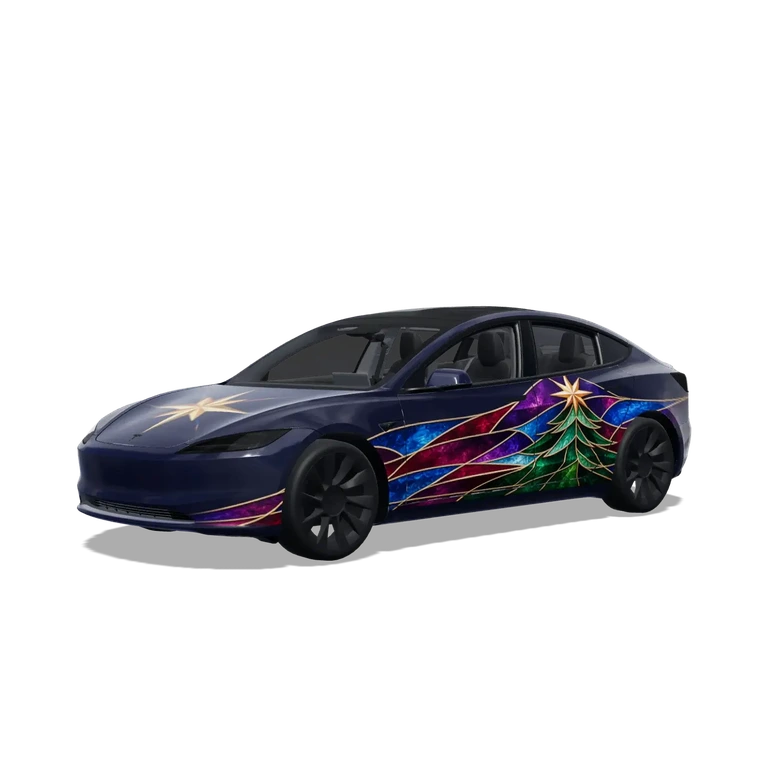
Tesla wrap design & inspiration
Turn gallery inspiration into your own wrap: generate artwork with AI, edit it on a 2D canvas, check it in 3D and download a PNG for your model.
AI Generate
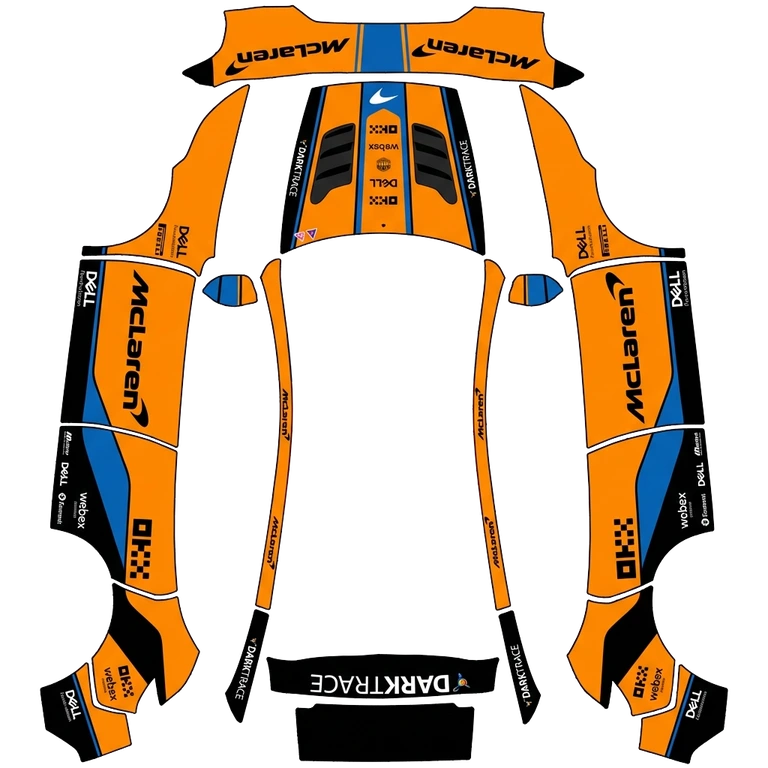 AI Generate2D Editor
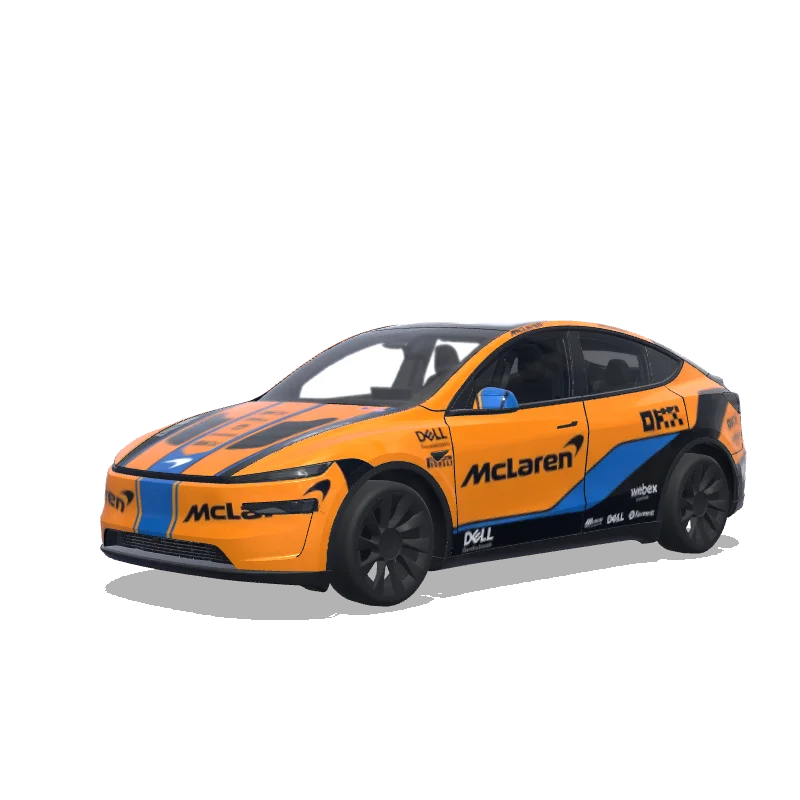 3D Preview
Sign in or create a free account to use the wrap editor. Continue with your selected vehicle and design after signing in.
Play the 3D walkthrough
Create your first Tesla wrap →Where can you use your wrap?
Give your digital Tesla a personal look, on your phone and in your car.
Tesla App
Show your own vehicle design in versions of the Tesla app that support custom wraps.
View upload guide →In-car display
Import the matching PNG into Tesla Paint Shop and select your wrap on the touchscreen.
View upload guide →Physical wrapsPlanned
Digital PNG wraps are for screen previews. Support for physical print files is planned.
Choose Your Tesla Model
Choose your Tesla model to start designing a wrap. Each template uses the matching vehicle-specific UV layout for 3D preview and PNG export.
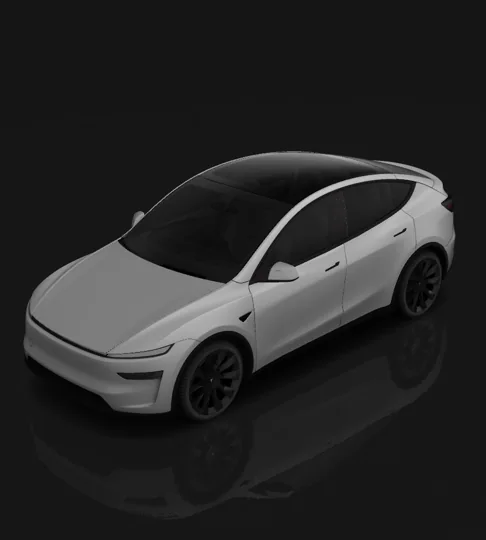
Model Y
5 templates
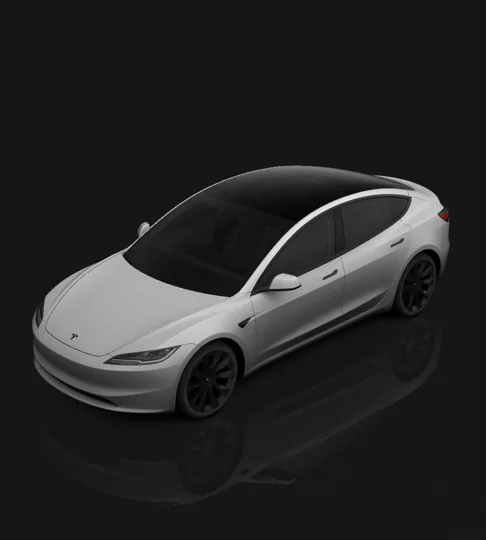
Model 3
3 templates
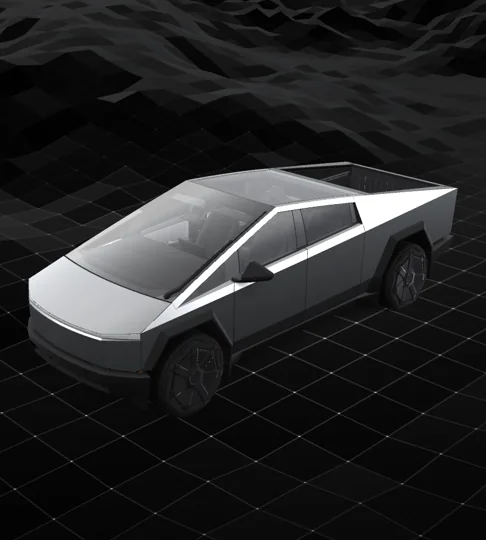
Cybertruck
1 templates
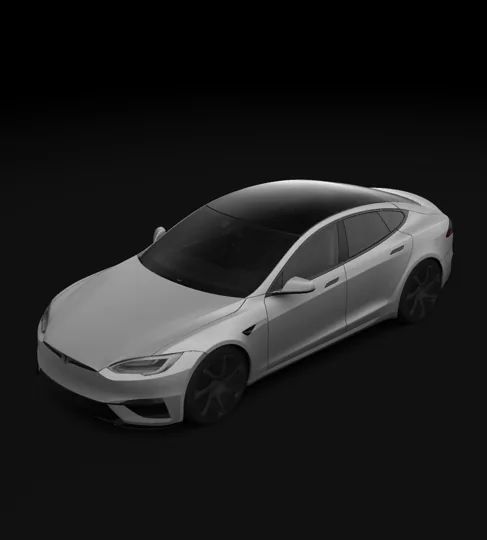
Model S
2 templates
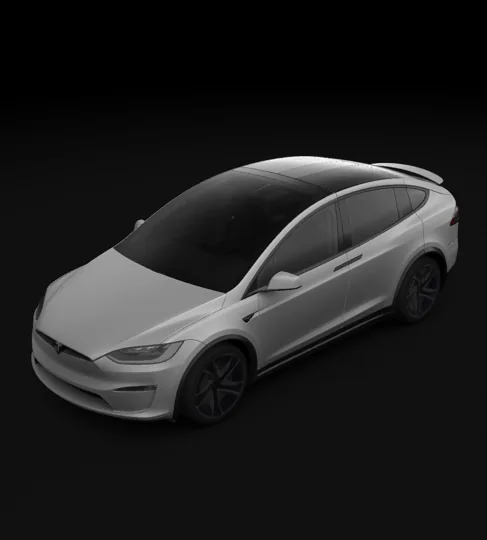
Model X
1 templates
Coming soon
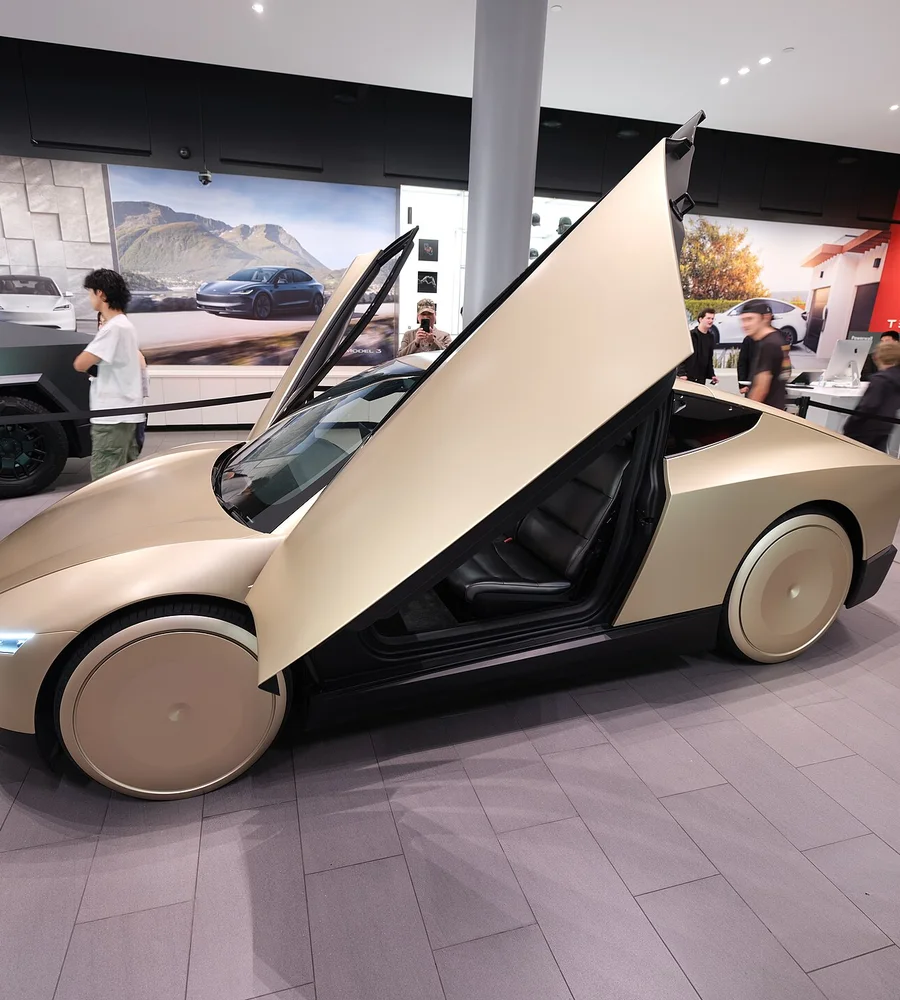 Cybercab
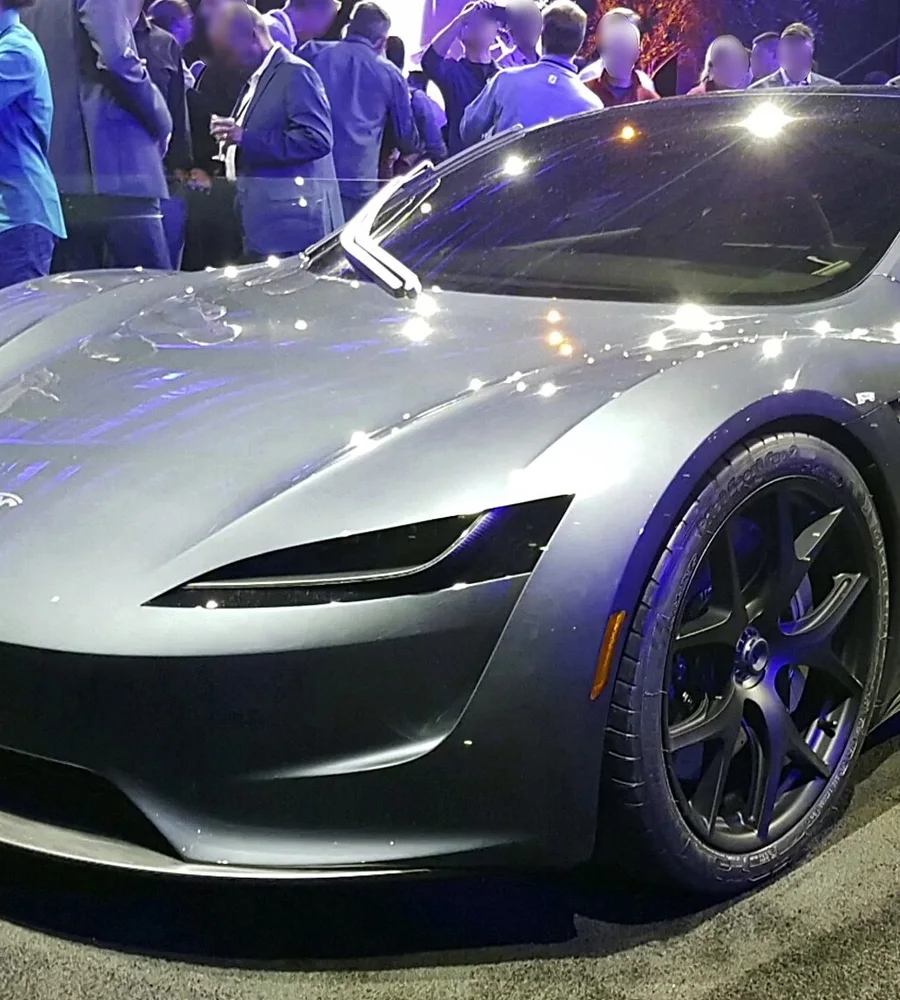 Roadster
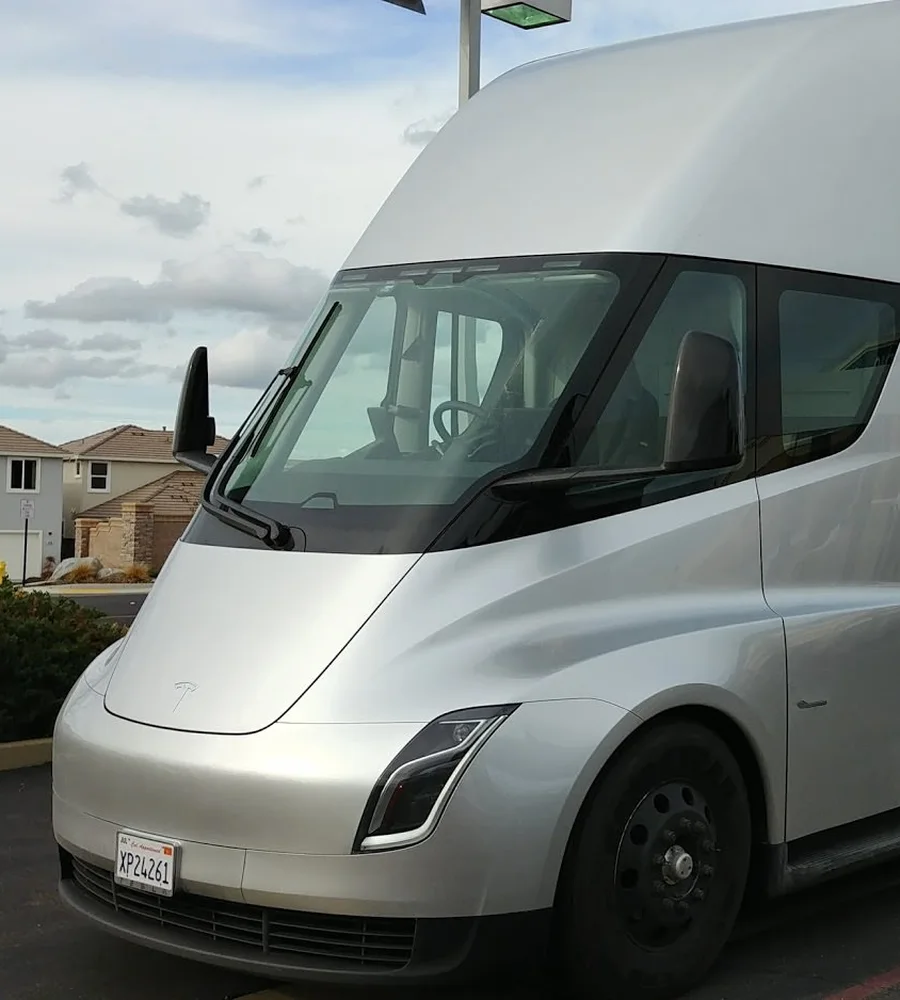 Semi
Vehicle-specific Tesla wrap templates for 3D preview and PNG export
How to Design Tesla Wraps
Create a custom Tesla wrap in 4 simple steps
Select Template
Choose the Tesla wrap template that matches your vehicle
Design or AI Generate
Upload your own images or use AI to generate a wrap design
Export PNG
Download your wrap design as optimized PNG
Load in Tesla
Tesla App: Creations - Wrap - Upload, or USB: Toybox - Paint Shop - Wraps
Credit Packages
Choose a credit pack to create your own AI-powered Tesla wrap designs. The editor, 3D preview and exports are free to use.
Starter
USD 4.90
One-time purchase
50 credits
- Up to 5 text-prompt generations
- Credits never expire
- Unlimited exports
- 20 MB Storage
Plus
USD 9.90
One-time purchase
200 credits +20
- Up to 22 text-prompt generations
- Credits never expire
- Unlimited exports
- 20 MB Storage
Pro
USD 19.90
One-time purchase
500 credits +50
- Up to 55 text-prompt generations
- Credits never expire
- Unlimited exports
- 20 MB Storage
Tesla Wrap PNG Requirements
Upload with Tesla App v4.59.0+ via Creations - Wrap - Upload, or place the PNG in a USB folder named "Wraps".
Tesla wrap PNG checker →Resolution:512x512 to 1024x1024 pixels
Format:PNG
File Size:Under 1MB (auto-compressed)
USB Format:exFAT, FAT32, or ext4
Frequently Asked Questions
A few things to know about templates, using your wrap and keeping your files safe.
Still have questions? Get in touchWhat is a UV template?
A UV template unfolds body panels into a flat image. Select the exact model and variant, then check pattern placement and seams in the 3D preview. A preview does not replace a check on your vehicle.
Is this an official Tesla tool?
No, this is an independent third-party tool created to help Tesla owners easily design custom wraps. We are not affiliated with Tesla, Inc.
Does this change my actual car's paint?
No, Tesla Paint Shop only changes the 3D visualization of your car on the touchscreen display. It doesn't affect your physical vehicle in any way.
Which Tesla wrap templates are available?
TeslaWrap Pro provides vehicle-specific UV templates for supported Tesla models and variants where template data is available. Choose the exact model and variant to match your design.
Is my data safe?
Manual editing takes place in your browser. Cloud projects, cloud asset uploads and submitted forms are stored on this server. Each account has 20 MB of shared cloud space by default. When AI is enabled, generation prompts and reference images are sent to the configured provider. See our privacy policy.
Create Your Tesla Wrap for Free
Design your Tesla wrap online, preview it in 3D, and download your PNG.
Choose Your Model